Your drive.
Your style.
Widgets, videos, and sounds.
Make CarPlay your own.
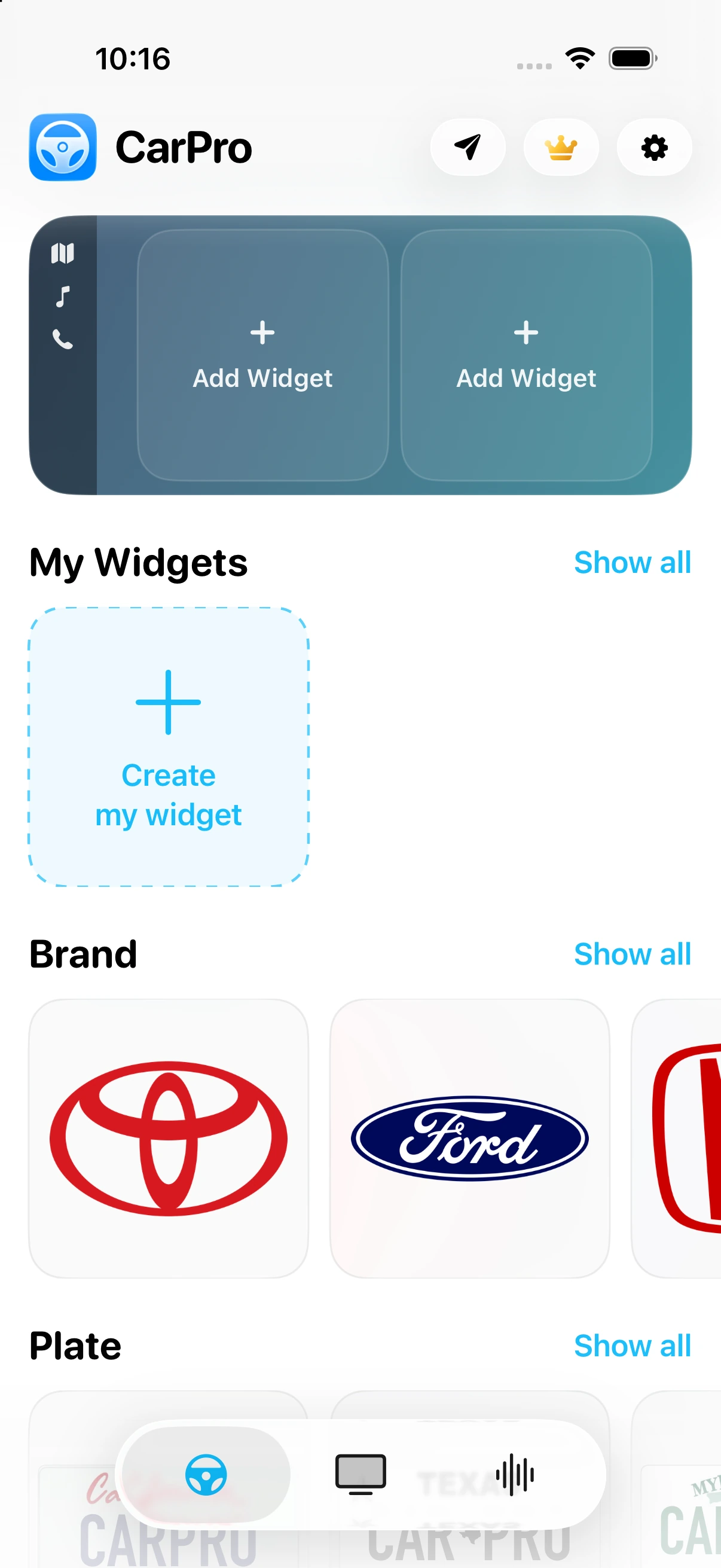
A little more you.
In every widget.
Your photos, words, colors, and favorite designs.




Your videos.
A bigger screen.
Play from Files or Photos, or watch in the built-in browser. AirPlay to a supported CarPlay display while parked.
Set the tone.
Then set off.
Find your signature sound or import your own.
Make it part of your drive with Apple Shortcuts.
A few good answers.
What do I need?
An iPhone with iOS 26 or later. CarPlay features and widget layouts depend on your vehicle and display.
How does video on CarPlay work?
Play a local video or open a video in CarPro’s browser, then use AirPlay to choose a compatible car display. Video is available in supported cars while parked. Some websites restrict playback or AirPlay.
Can I make it my own?
Yes. Customize supported widgets with your photos, text, colors, fonts, and dates. You can also import sound clips up to 30 seconds and configure automations in Apple Shortcuts.